
Accessing the Smart Pay Remote Deposit Dashboard from Online Banking
Edited
Log into your online banking
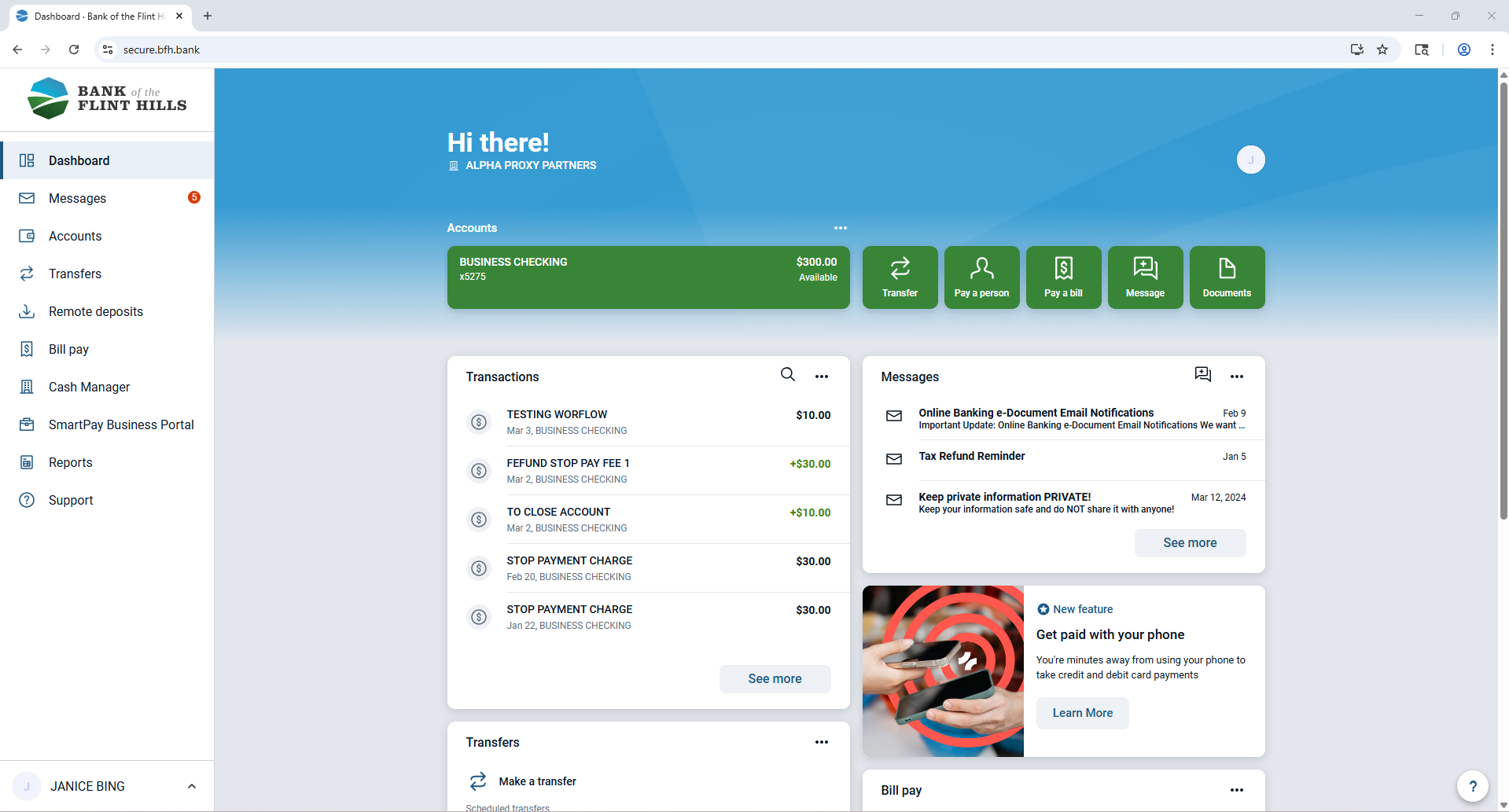
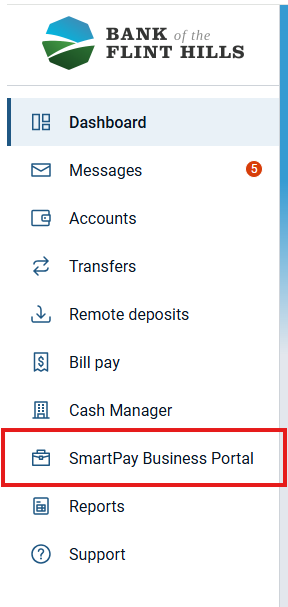
From the dashboard, click on the "Smart Pay Portal" button from the left-hand menu
You will be redirected to the remote deposit dashboard for your user and you should not be prompted to login to the smart pay system as it will do it for you
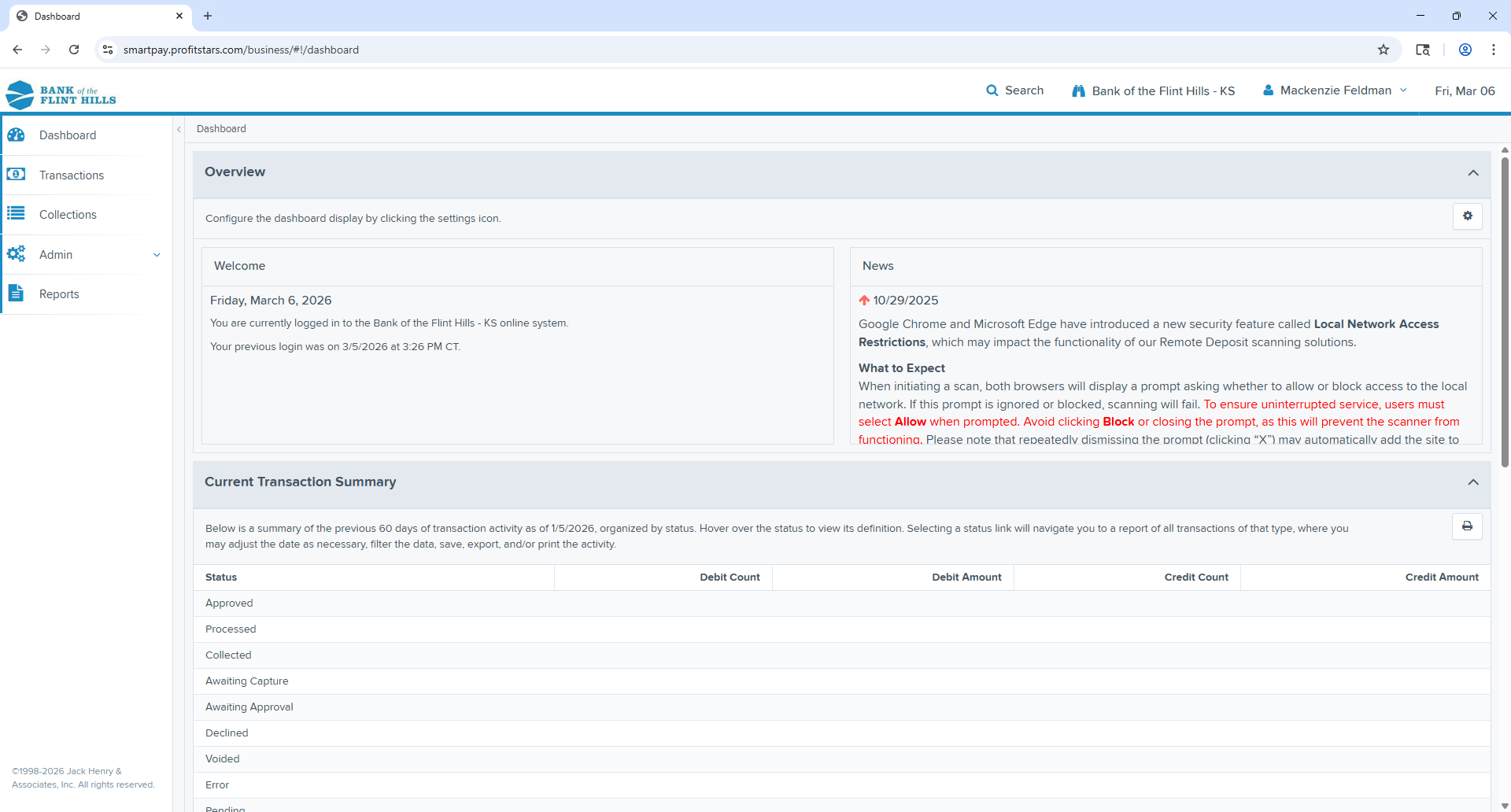
To return to your online banking, you can use the back arrow of your web browser or simply log out of the smart pay portal and then navigate back to bfh.bank to log back into your online banking.
Was this article helpful?
Sorry about that! Care to tell us more?