
How to duplicate an existing batch
Edited
1. Click on the batch you would like to duplicate.
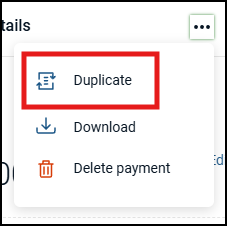
2. Click the 3 dots in the upper-right corner of the screen.

3. Select 'Duplicate'.
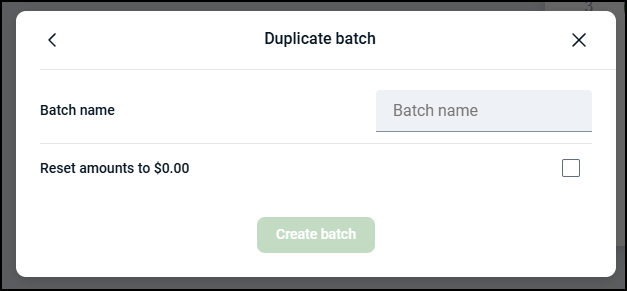
4. Give the batch a new name and select the checkbox if you'd like to set the amounts to $0.00. Then click 'Create Batch.'
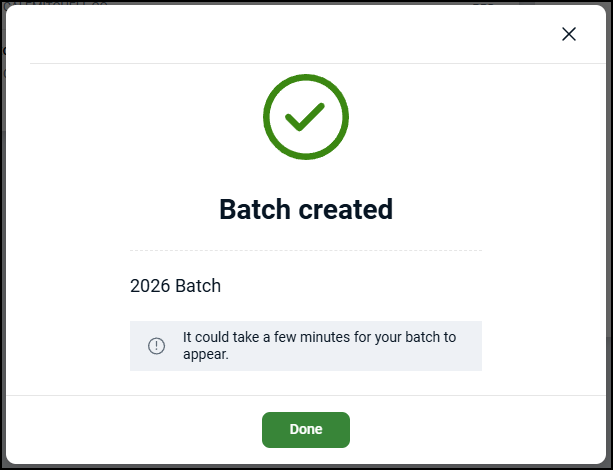
5. Once duplicated, you will see the following success message.
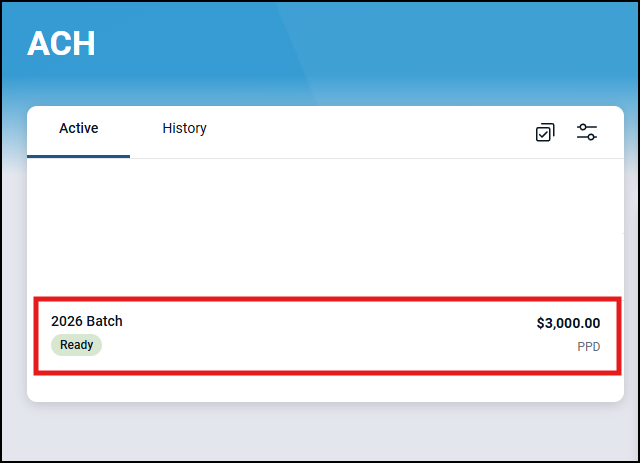
6. The new batch should now be listed in your 'Active' list and ready to be initiated or edited.
Was this article helpful?
Sorry about that! Care to tell us more?