
How to modify eDocument enrollments
Edited
IMPORTANT: The following can only be completed by a user who is an admin for the organization. Non-admin users will not be able to complete the following steps.
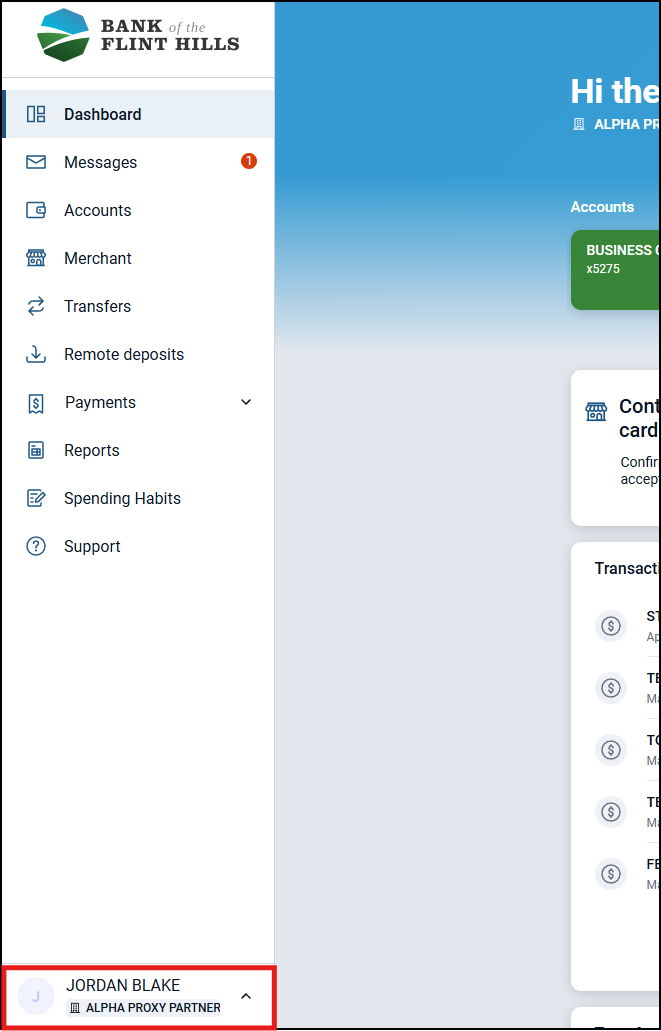
1. From the dashboard, click on your name in the lower-left
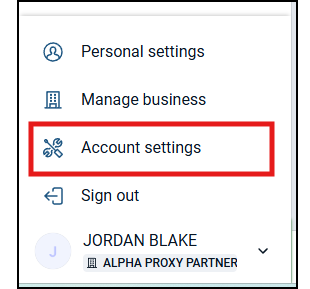
2. Select 'Account settings'
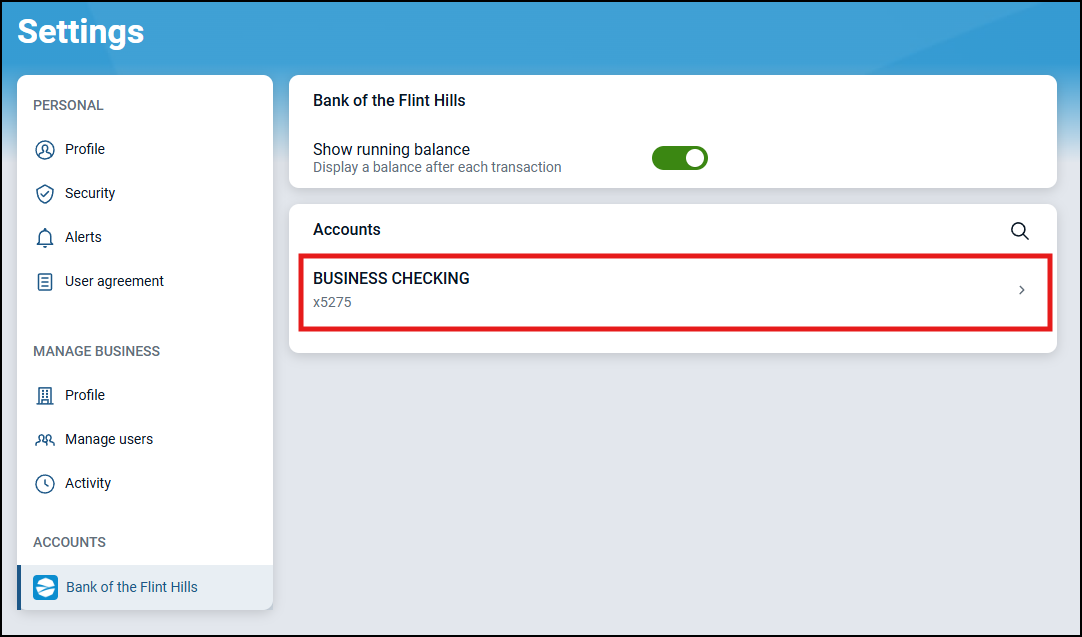
3. Click on the account
4. Click on 'Enrolled'
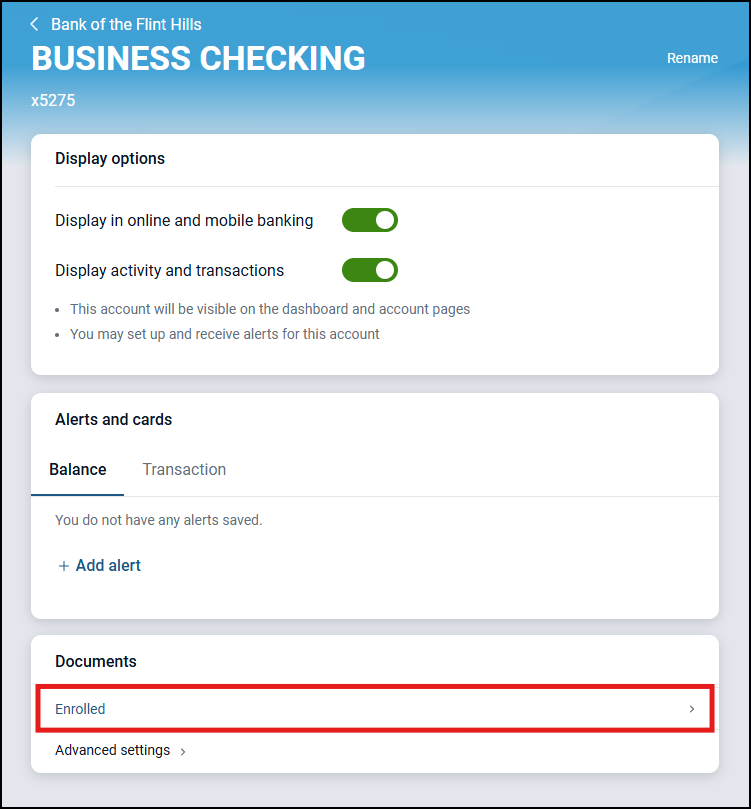
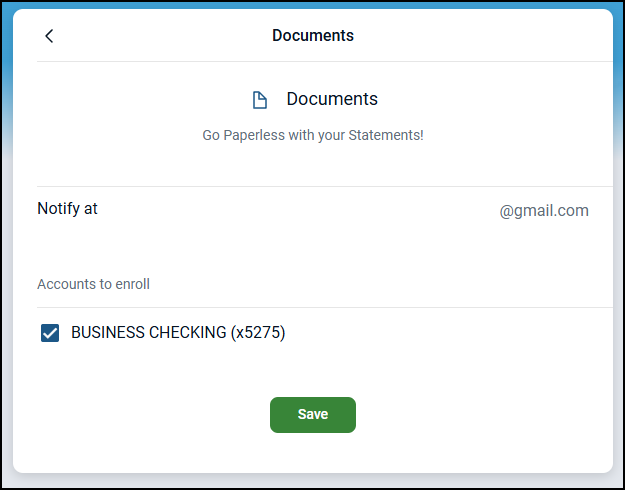
5. Make your enrollment changes and then click 'Save'
Was this article helpful?
Sorry about that! Care to tell us more?