Adding a creditor
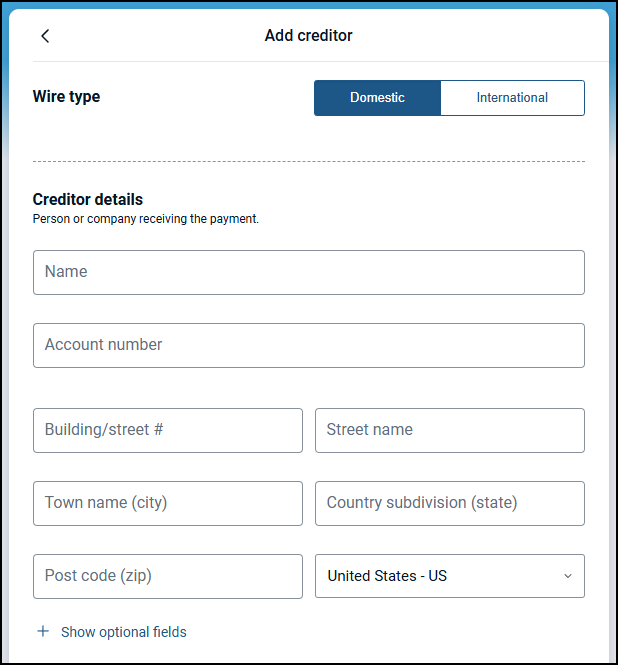
When creating a wire, you will need to add a creditor to specify the fund's destination and complete all required fields.
Creditor Details
The following fields are required:
Name
Account number
Town name (city)
Country (which defaults to US)
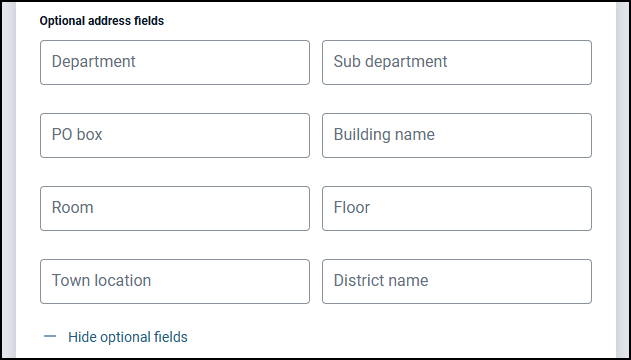
If additional address fields are needed, you can expand the +Show option fields to expose more options.
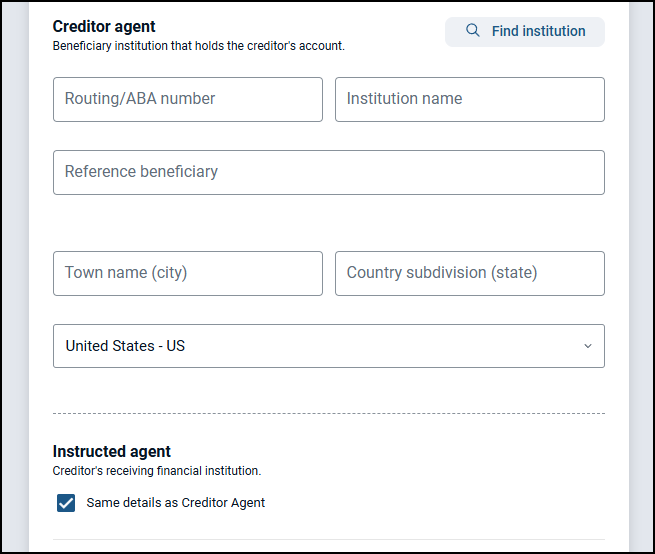
Creditor Agent
Enter the routing number of the institution that holds the creditor's account, and if correct, the rest of the information will autofill.
You can also click on the "find institution" button to search for an institution and autofill the information below.
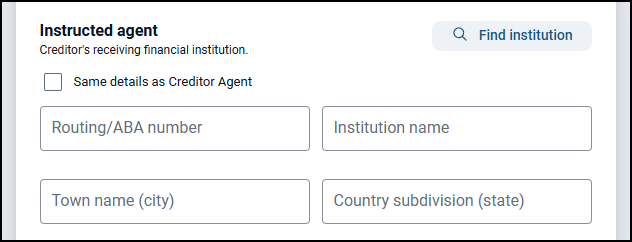
Instructed agent
The instructed agent section has a checkbox Same details as creditor agent that defaults to checked.
This means the instructed agent fields will be autopopulated with the same information as the creditor agent.
If you need to use an alternate instructed agent, uncheck the box to expose the fields to complete.