Closing Deposits for Processing
It is recommended that you close each deposit after you finish scanning checks and entering any required information. Closing a deposit sends it for processing.
If needed, you can also leave a deposit open and submit it later.
NOTE: A common industry best practice is to submit deposits at least one hour before your financial institution’s cutoff time. This allows time to correct any issues that may need attention before processing.
Steps to Close a Deposit
From the Open Deposits page, select the checkbox next to the Open column for each deposit you want to close.
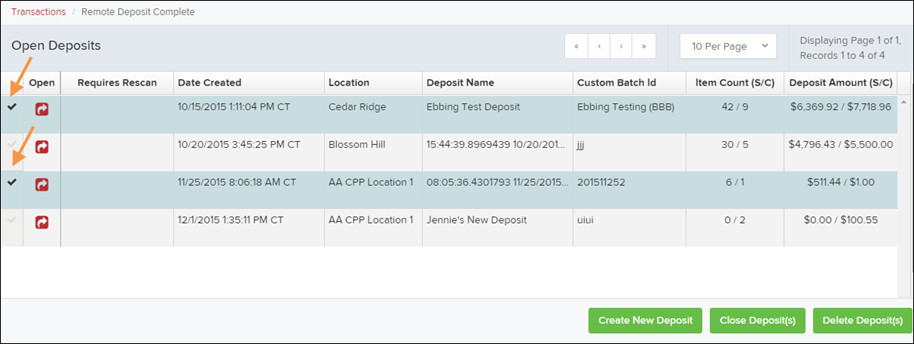
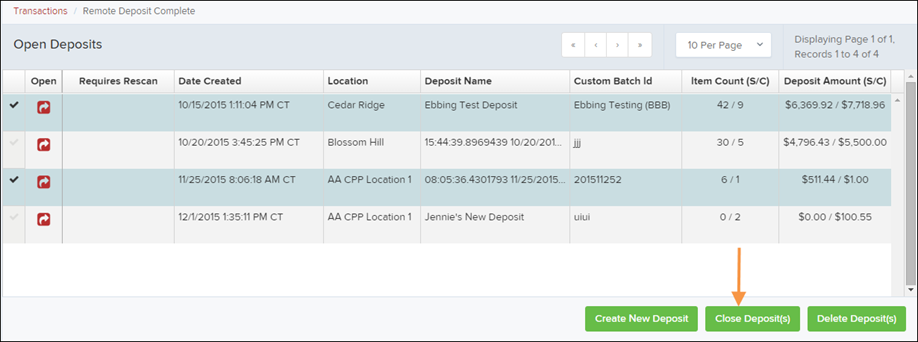
Select Close Deposit(s) at the bottom of the page.
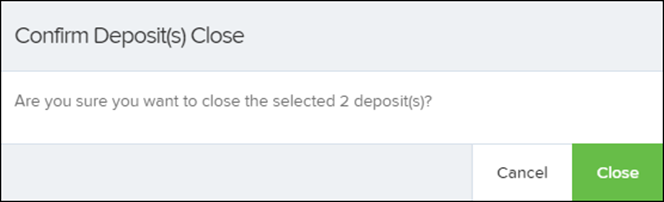
The system will ask you to confirm that you want to close the selected deposit(s). Select Close to confirm.
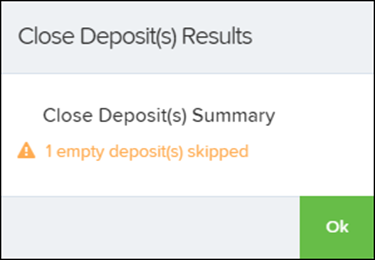
A message will appear showing the results of the deposit. Select OK to close the message.
NOTE: If you try to close a deposit that contains checks requiring a rescan (for example, if the MICR line was not read correctly), the system will not process those items until the issue is resolved.