
Viewing Deposit Details
Edited
You can view additional processing information about a deposit directly from the Deposit Results Report.
Steps to View Deposit Details
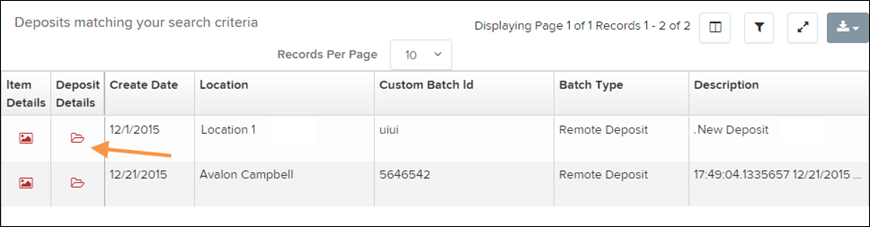
From the Deposit Results page, locate the deposit you want to review.
Under the Deposit Details column, select the folder icon to open the deposit information.
The Deposit Details page will appear. This page shows information about the processing steps for the deposit, including actions taken and the users involved in processing the batch.

Was this article helpful?
Sorry about that! Care to tell us more?