
How to see the items from a SmartPay Deposit Batch
Edited
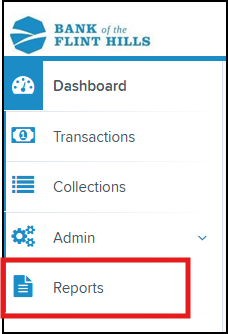
1. From the Smart Pay Dashboard, click on 'Reports'
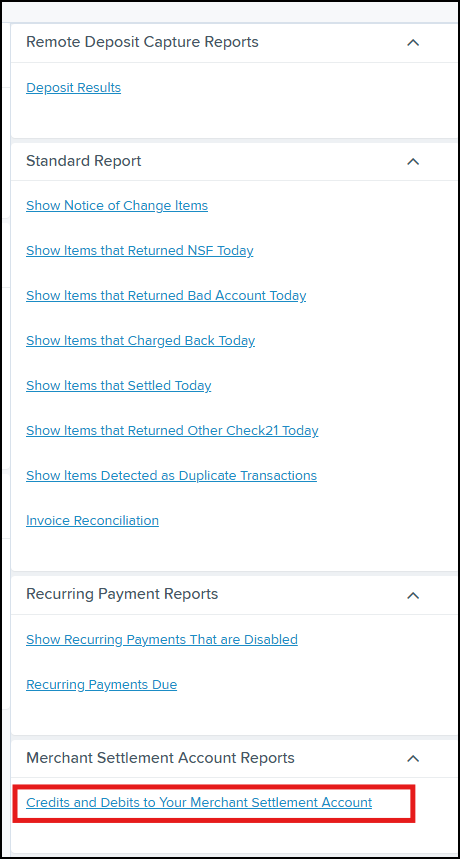
2. Click on the "Credits and Debits to Your merchant Settlement Account" link in the right Report menu
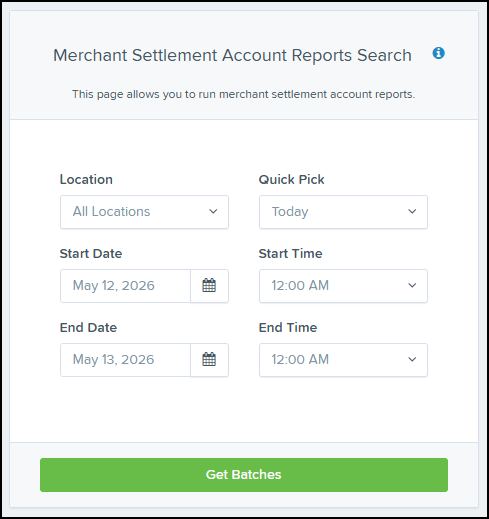
3. Set the date range and other criteria to get the batch results
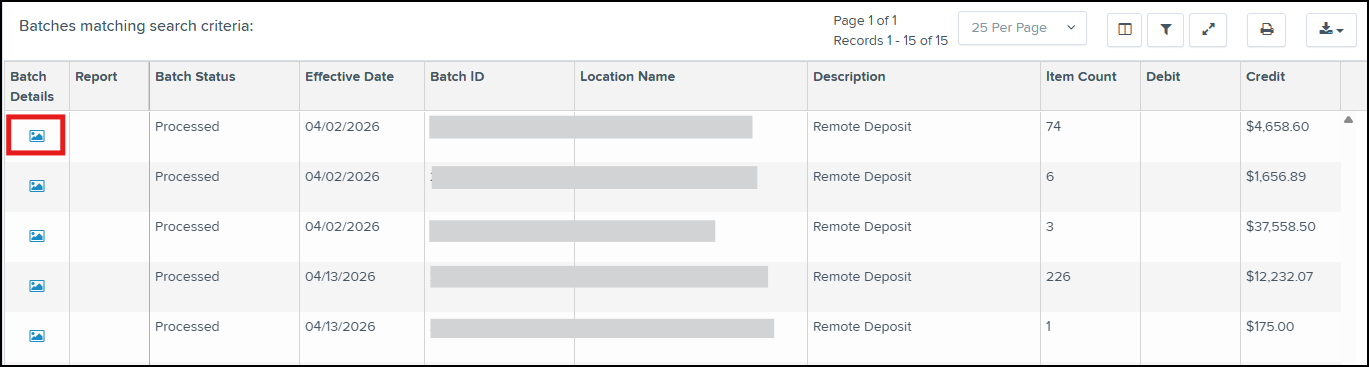
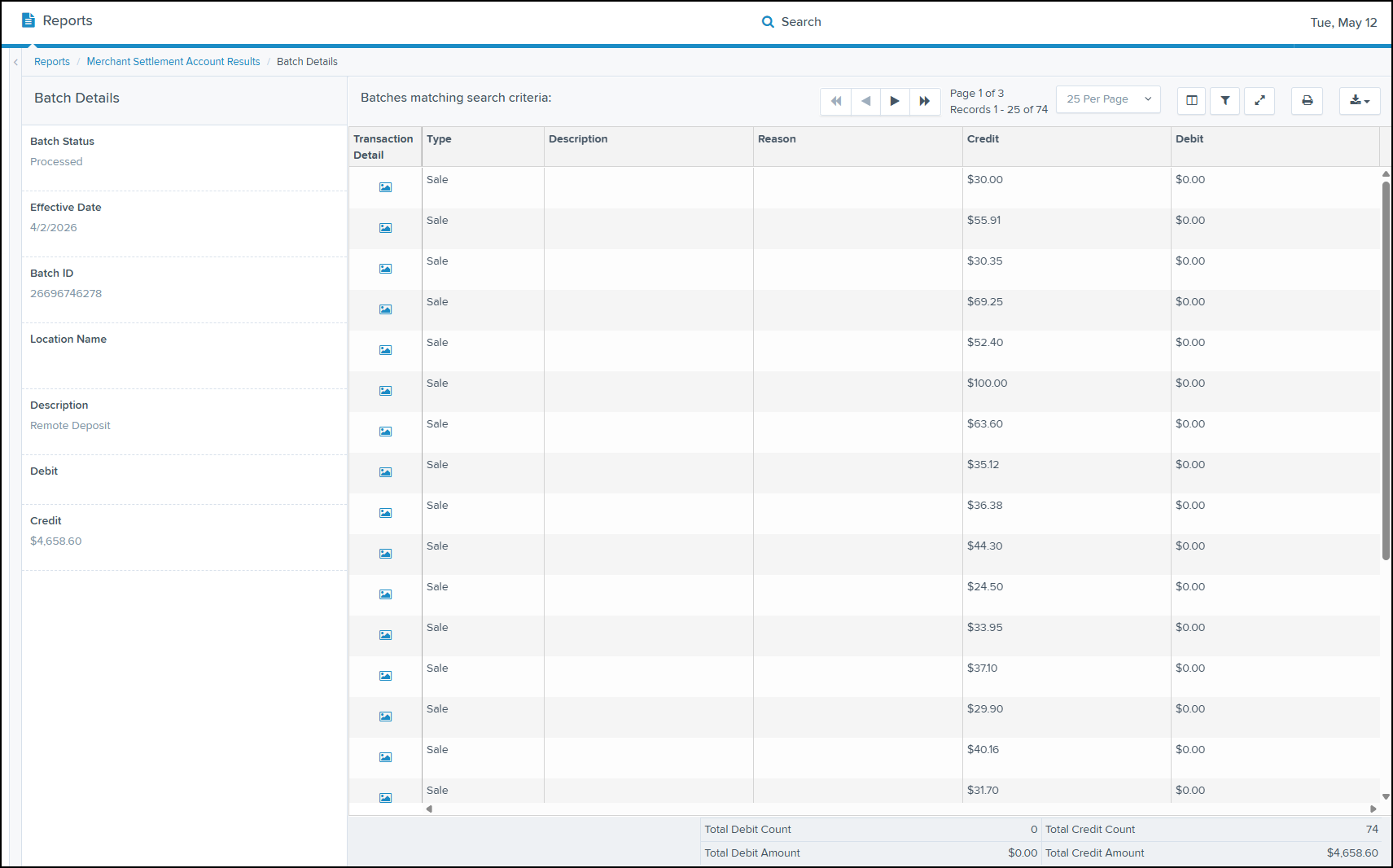
4. From here, you can now see the details of the deposits that were made into your account. Click on the picture icon to see the details of the batch/deposit.
Below is an example of the details from a deposit batch that allows you to see every individual item that made up the deposit in your account for that batch.
Was this article helpful?
Sorry about that! Care to tell us more?