
How to create a wire
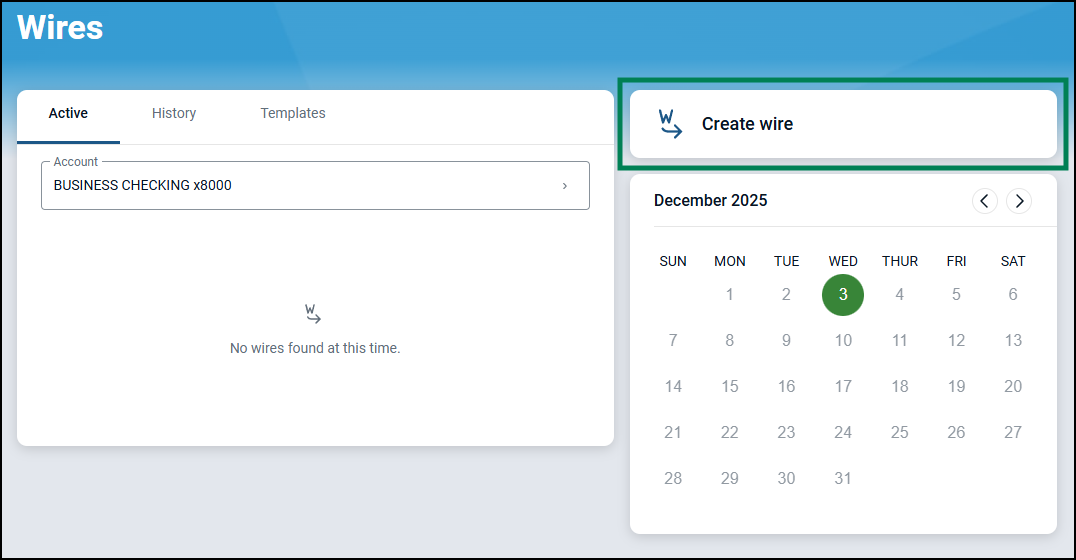
From the Wire Dashboard, click on "Create wire".
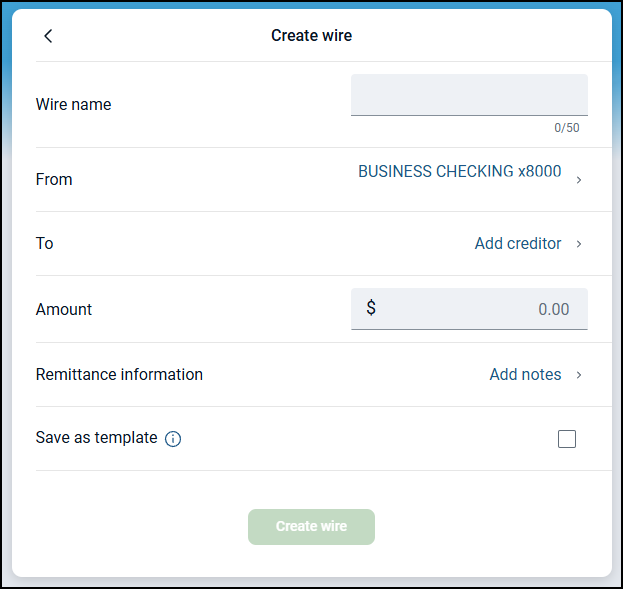
Complete the following wire details:
Wire name - Names the wire in your online banking account
From account - If multiple accounts are set up to send wires from, you can use the select option to change the account the wire is pulled from
Amount
Remittance information - a field to include a note or information with the wire
Save as template - Choose the "Save as template" checkbox if you would like to send a wire to the same recipient multiple times in the future. The recipient details will be saved in the wire template. Wires that are saved as templates will remain in the templates list on the wires dashboard after initiation. Wires that are not saved as templates will move to the history list once processed and cannot be edited afterwards.
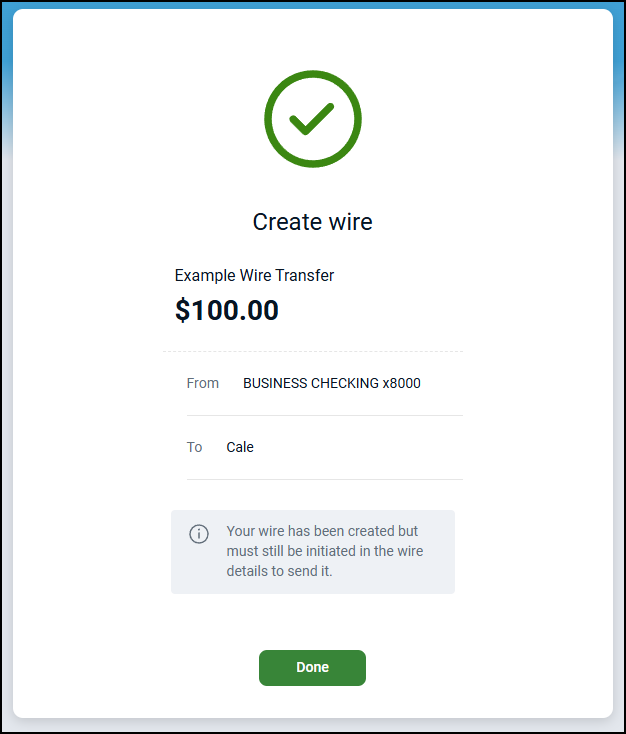
After you successfully create a wire, the Wire success page displays, and the newly created wire displays at the top of the Active list of wires. The wire will also be in the Ready status.
Shown below is the newly created wire in the Active list of wires, where it will also be in the Ready status.
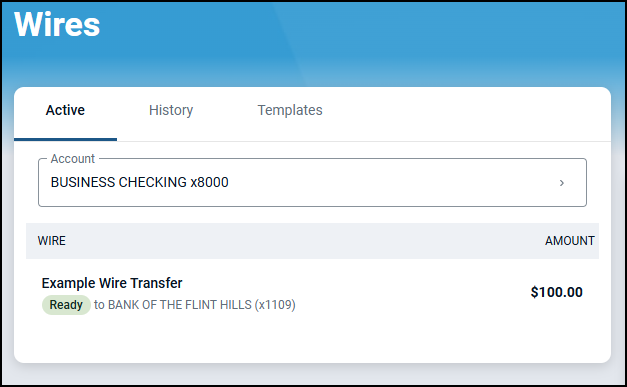
You are now ready to complete the review and initiation process for this wire.