How to initiate a wire
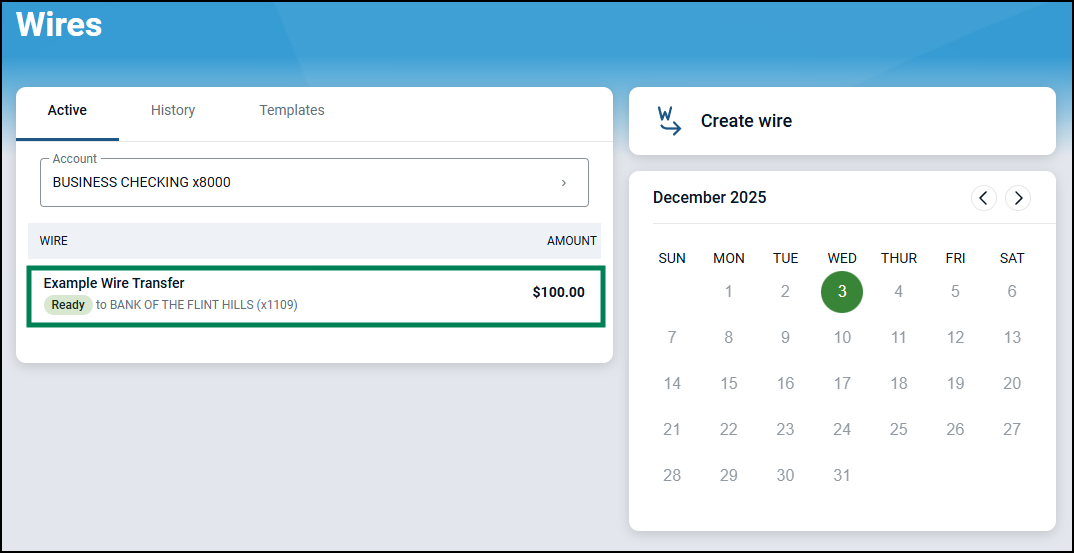
To initiate a wire, select the wire with a Ready status from the Active list.
The wire details screen will display with the ability for you to edit, delete or initiate the wire.
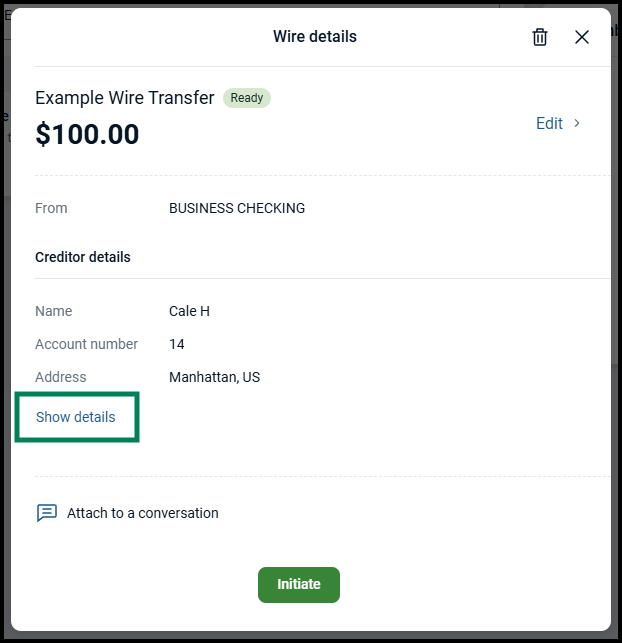
Click 'Initiate' to move into the final stage for review and processing.
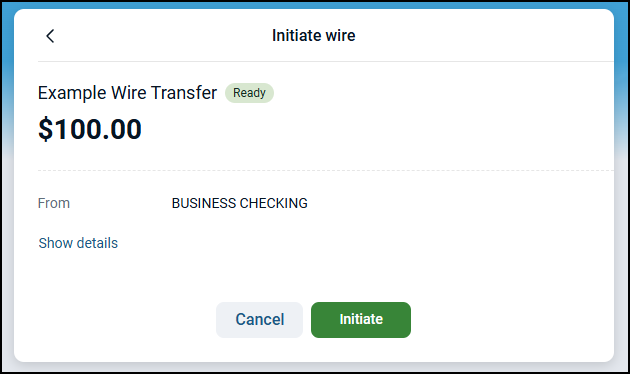
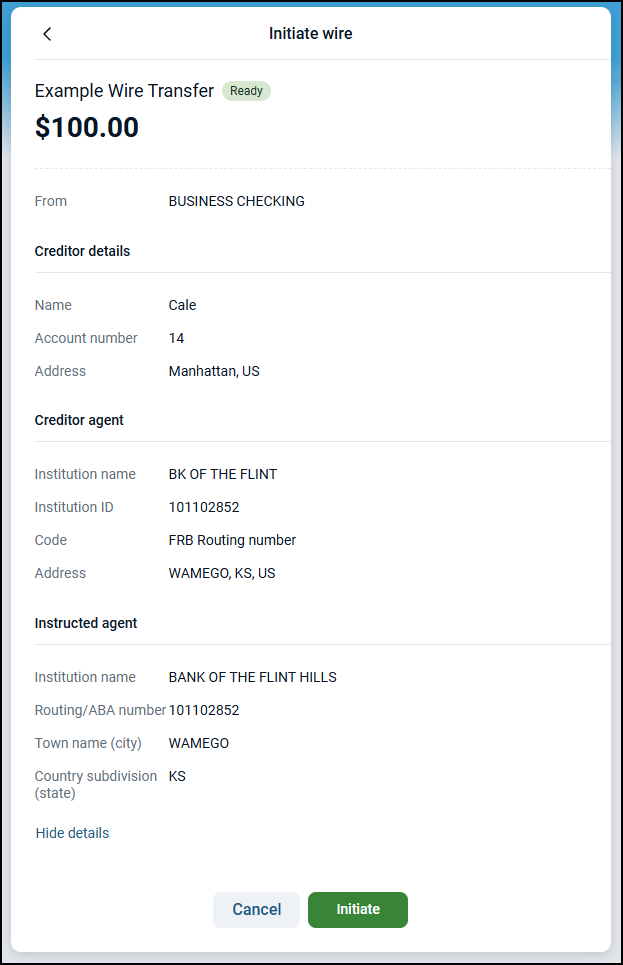
Use the "Show details" button to expand the wire information and confirm that all details are correct.
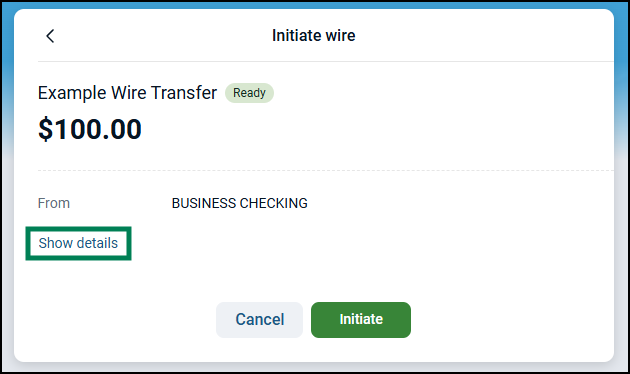
If the wire details are correct, they send the wire by selecting the Initiate button.
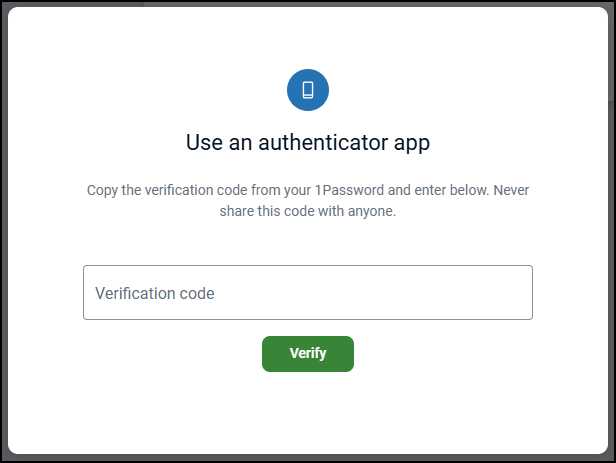
Complete the verification prompt to finish initiating the wire. If you get an 'Action blocked' pop-up, click here to learn how to continue.
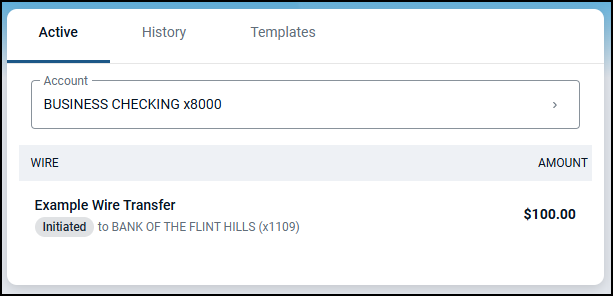
Once complete, a successfully initiated wire displays Initiated, and the process of transferring funds between institutions begins.
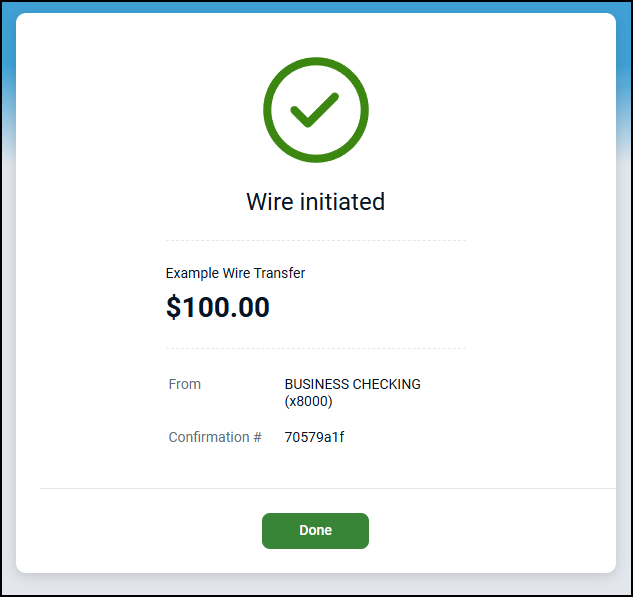
Back on the dashboard, the wire now shows an 'Initiated' status.