
How to access the Bill Pay Center
Edited
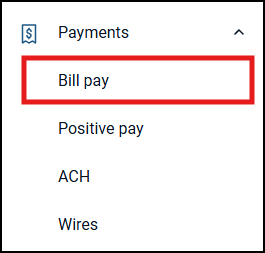
From the dashboard, select 'Bill Pay' from your left-hand menu.
Note: If your business has multiple payment products enabled, it may appear under the 'Payments' section.
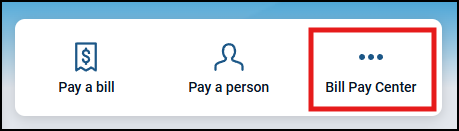
Click on the Bill Pay Center button with the 3 dots from the quick actions menu in the upper right.
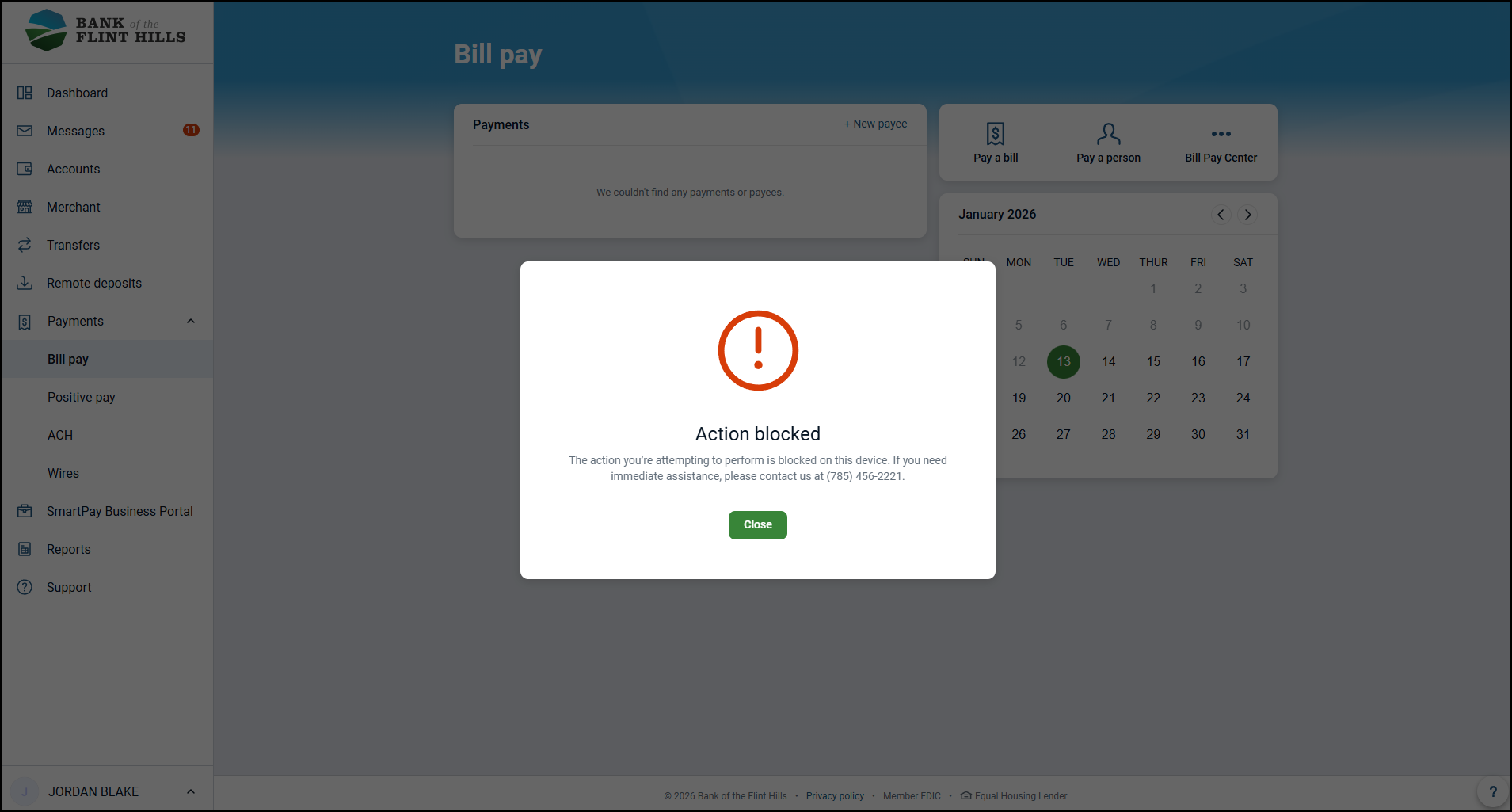
If this is your first time accessing the Bill Pay Center from your device, the action will be blocked as a security measure. You will need to call in to have your device verified by our Customer Support Team before you can access the Bill Pay Center.
Click here to learn more about the 'Action Blocked' pop-up
Was this article helpful?
Sorry about that! Care to tell us more?